 Finderorg
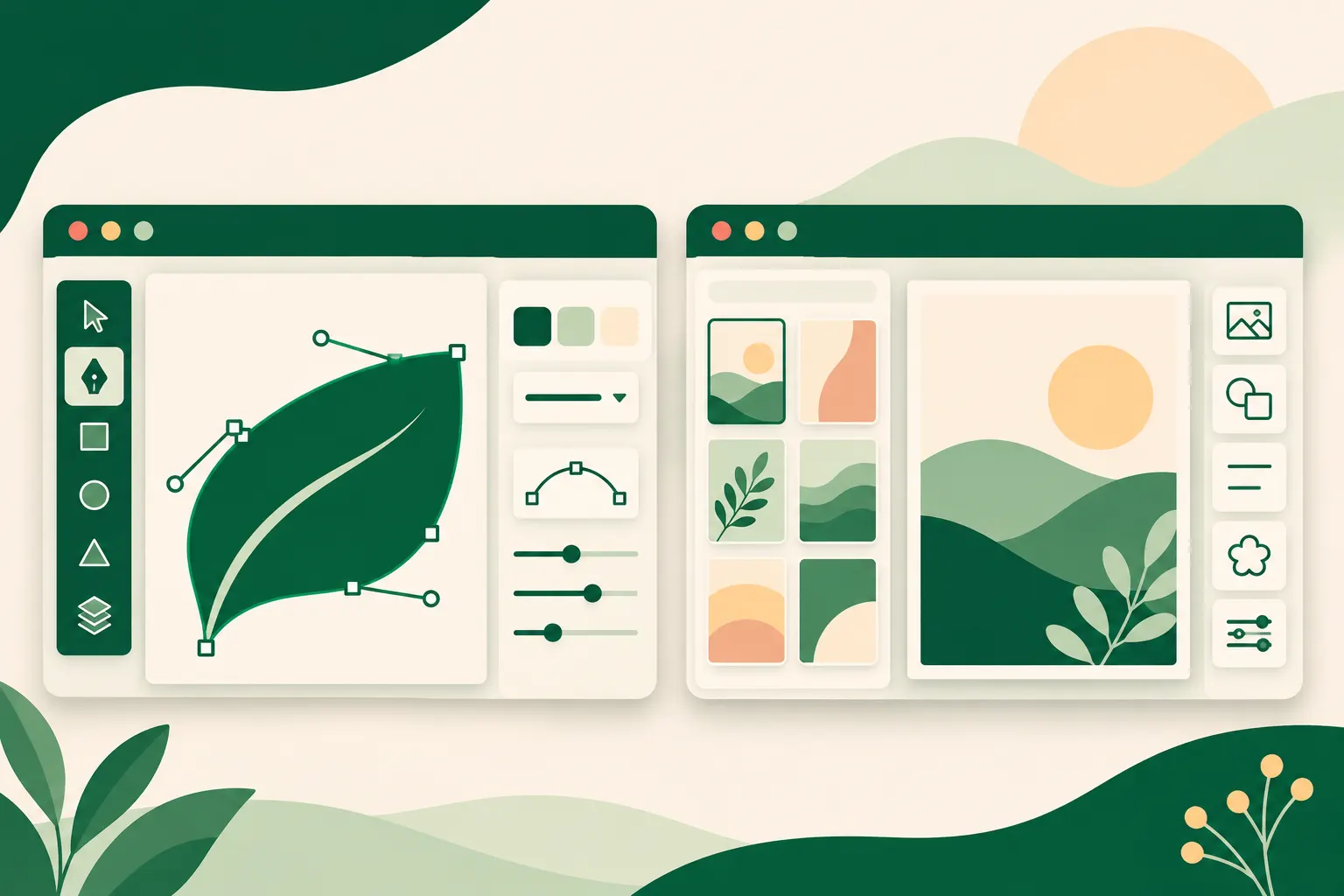
Figma and Canva are both browser-based design tools with free plans, real-time collaboration and apps on every major platform, so they often end up on the same shortlist. In practice they solve different problems. Figma is built for designing product interfaces, prototypes and design systems that engineers will later build. Canva is built for producing finished marketing graphics, presentations, videos and documents quickly from templates. This comparison walks through what each tool does well, where each falls short, and which kind of team will get the most from each, using only the details recorded in our directory listings.
Figma vs Canva at a glance
The table below summarises the feature data we hold for both products. "Partial" means the capability exists but is limited compared with tools that specialise in it.
| Feature | Figma | Canva |
|---|---|---|
| Real-time collaboration | Yes | Yes |
| Vector editing | Yes | Partial |
| Interactive prototyping | Yes | Partial |
| Template library | Yes | Yes |
| Design systems | Yes | Partial |
| Plugins or extensions | Yes | Yes |
| Offline use | Partial | Partial |
| Developer handoff | Yes | No |
| Pricing model | Freemium: free starter plan, paid seats billed per editor per month | Freemium: free plan with limited premium content, paid plans per user |
| Open source | No | No |
| Platforms | Web, Windows, macOS, iOS, Android | Web, Windows, macOS, iOS, Android |
The pattern is clear. Figma scores a full "yes" on the precision features that interface designers rely on, such as vector editing, prototyping, design systems and developer handoff. Canva matches Figma on collaboration, templates and extensions, but treats precision features as secondary and has no developer handoff at all.
What Figma is built for
Figma is a collaborative design tool that runs in the browser and in desktop apps built around the same web engine. Designers draw interfaces with vector tools, auto layout and reusable components, while teammates open the same file at the same time, leave comments and watch changes appear live. That shared-file approach removed the need to send design files back and forth, and it has become the default way many product teams work.
Prototyping and design systems
Beyond static screens, Figma offers prototyping with transitions and conditional logic, plus variables for themes and responsive states. Shared libraries let an organisation publish styles and components once and update them everywhere they are used. For a company with several products or a large design team, this is the feature that keeps everything consistent: change a button component in the library and every file that uses it can pick up the change.
Developer handoff with Dev Mode
Figma's Dev Mode exposes measurements, tokens and code snippets to engineers, so developers can inspect a design directly instead of asking designers for specifications. This is one of the clearest differences from Canva, which our data lists as having no developer handoff.
The wider Figma toolset
A whiteboard product called FigJam and a slides tool sit alongside the main editor, and a large community shares templates, UI kits and plugins. The company, founded in 2012, has also added AI assisted features for generating layouts and text.
Where Figma falls short
Because files live in the cloud, offline work is limited, and very large files can feel slow on modest hardware. Per-seat costs grow with team size, and there is no self-hosted option, so you rely on Figma's cloud service. Our editor's advice is that small groups should check how seat costs grow before committing.
What Canva is built for
Canva is an online design platform for people who need good-looking graphics without learning professional software. Users start from a template for a social post, presentation, poster, flyer, video or document, then swap text, photos and colours with a simple drag-and-drop editor. A built-in library of photos, illustrations, icons, fonts and audio keeps most projects inside a single browser tab.
More than images
Canva has grown well beyond static images. It includes presentations with speaker tools, short video editing, whiteboards, simple websites, and printing services that deliver cards and merchandise. Exports cover common image, PDF and video formats, and mobile apps mirror most of the editor.
Brand kits and team workflows
Brand kits let teams store logos, colours and fonts in one place, and approval and sharing features support marketing groups where several people touch the same asset. AI tools can generate images, rewrite text, remove backgrounds and resize one design into many formats, which is useful when a single campaign needs versions for several social networks.
Where Canva falls short
Canva's focus on speed means it offers less precision than dedicated vector or layout software, and it is not meant for building complex product interfaces. Some premium assets are locked behind paid plans, and offline use is restricted. Canva was founded in Australia in 2013, and our editor sums it up as a fast production tool that works best next to, not instead of, professional design software.
Key differences that matter in practice
- Audience. Figma suits product teams, agencies and developers who want designers, writers and engineers in one shared file. Canva suits small businesses, educators, social media managers and marketing teams that want finished graphics fast.
- Starting point. Canva work usually starts from a template. Figma work usually starts from components and layout rules, although Figma also has a template and community library.
- Precision. Figma has full vector editing and auto layout. Canva lists vector editing as partial.
- Output. Figma's main output is a design and prototype that engineers build from. Canva's main output is the finished asset itself: an image, PDF, video, presentation or printed item.
- Handoff. Figma has Dev Mode for engineers. Canva has no developer handoff in our data.
- Pricing shape. Both are freemium. Figma charges for paid seats per editor per month; Canva's paid plans are per user. We do not list specific prices, so check each vendor's current pricing page for your team size.
Can you use both?
Many organisations do. A product team might design its app and website in Figma, while the marketing team uses Canva to produce social posts, slide decks and flyers from brand kits. The two tools overlap only lightly in that setup: Figma owns the product interface, and Canva owns day-to-day marketing content. If you go this route, keep brand colours and fonts aligned in both places, since Figma's shared libraries and Canva's brand kits are separate systems.
Which should you pick?
Pick Figma if you design websites, apps or software interfaces, need clickable prototypes, maintain a design system, or hand designs to developers. Its component system, Dev Mode and live collaboration are hard to replace for product work. Budget for per-editor seats as your team grows.
Pick Canva if your job is producing marketing content: social graphics, presentations, short videos, documents and print. Its templates, asset library, brand kits and quick resizing will get finished work out the door faster than a professional interface tool would.
If neither feels right, browse the Figma alternatives or Canva alternatives lists, or explore every tool in our design category.
FAQ
Is Figma or Canva better for beginners?
Canva is designed for people without professional design training, with templates and a simple drag-and-drop editor. Figma is approachable but built around interface design concepts such as components and auto layout, so it rewards some learning time.
Do Figma and Canva have free plans?
Yes. Figma has a free starter plan for individuals and small projects, and Canva has a free plan with a large set of templates and assets, with some premium content reserved for paid plans.
Can Canva be used to design apps or websites?
Canva can build simple websites, but our data lists its prototyping as partial and it has no developer handoff. It is not meant for complex product interfaces, which is where Figma is stronger.
Do Figma and Canva work offline?
Only partially. Both are cloud-centred products, and our listings mark offline use as partial for each.